

This plugin is no longer for sale
OpenAI is shutting down Agent Builder on 30 November 2026. This plugin connects to those workflows, so the chat stops on that date. New licences are closed. OpenAI’s deprecation notice.
Already subscribed? Your subscription stays active until the renewal date you have already paid for, and it will not renew. The chat still ends on 30 November 2026, even if your paid period runs past that date. To keep a copy of a workflow, open it in Agent Builder, choose Code, then Agents SDK, and save the export before 30 November.
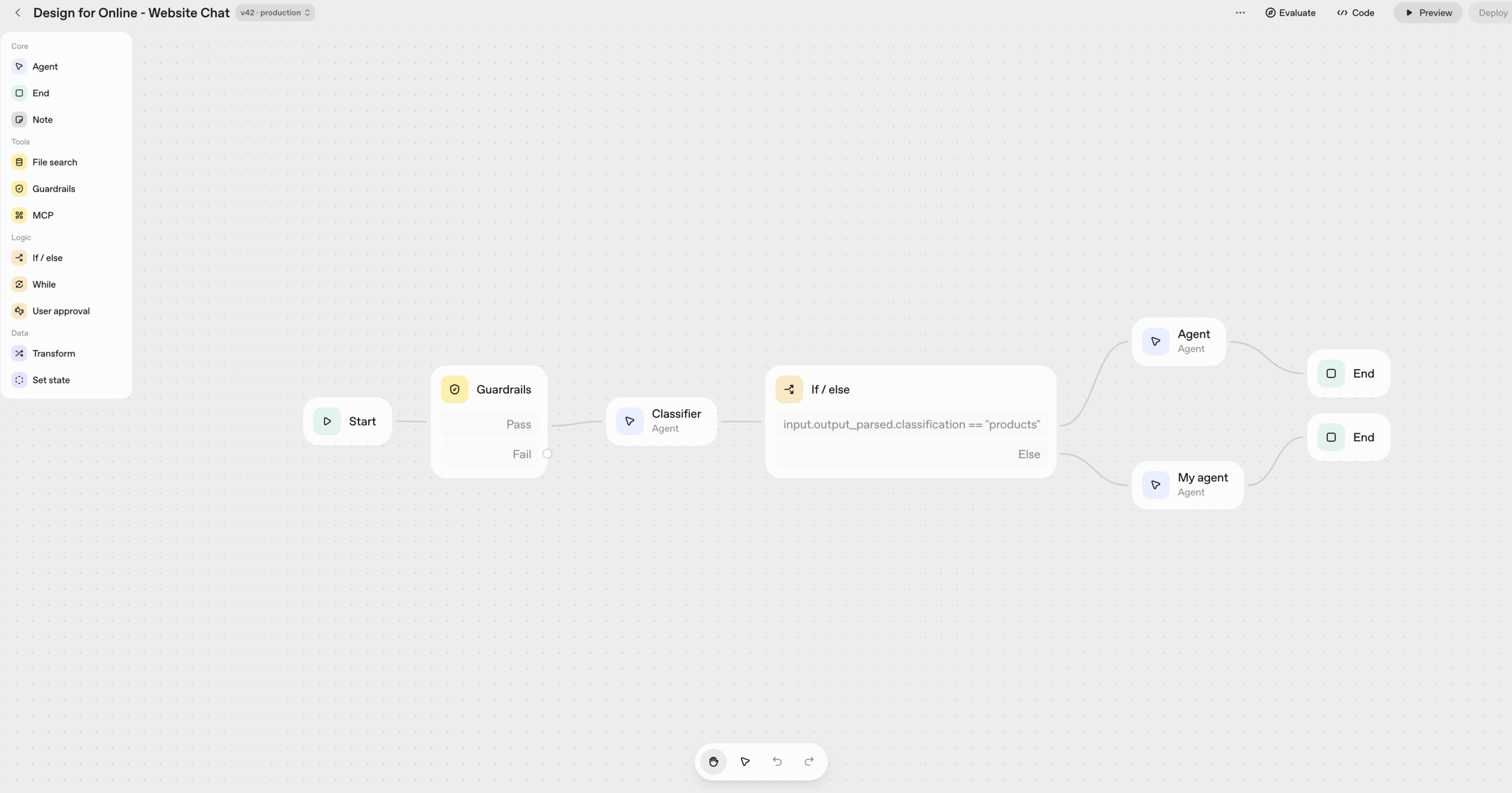
Forerunner® WordPress OpenAI ChatKit Agent Builder Plugin brings OpenAI’s powerful Agent Builder and ChatGPT-compatible models directly to your WordPress site. Deploy enterprise-grade AI chat interfaces in minutes without coding, complex integrations, or maintenance overhead.
Check it out here:
Seamless OpenAI and ChatGPT Integration
Connect your WordPress site to OpenAI Agent Builder and any ChatGPT, GPT-4, or GPT-5 model through a simple shortcode. Build and configure your AI agents using OpenAI’s Agent Builder at platform.openai.com/agent-builder, then deploy them instantly in WordPress.
Your agents retain all workflow logic, model selections, and behaviour settings you define in Agent Builder.
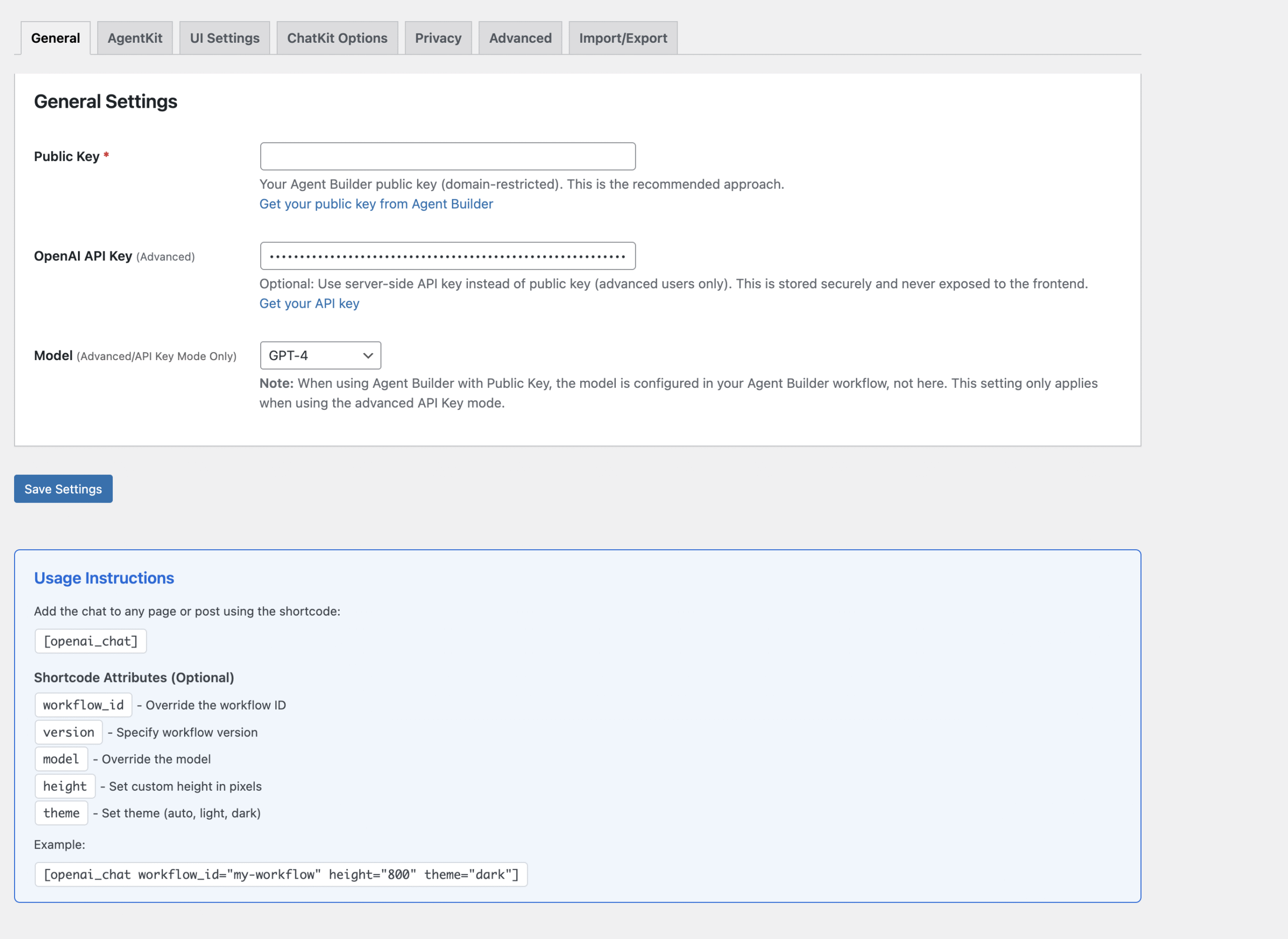
Authentication runs securely via OpenAI’s domain-restricted public keys or server-side API keys, ensuring credentials remain private while enabling real-time communication with OpenAI’s API.
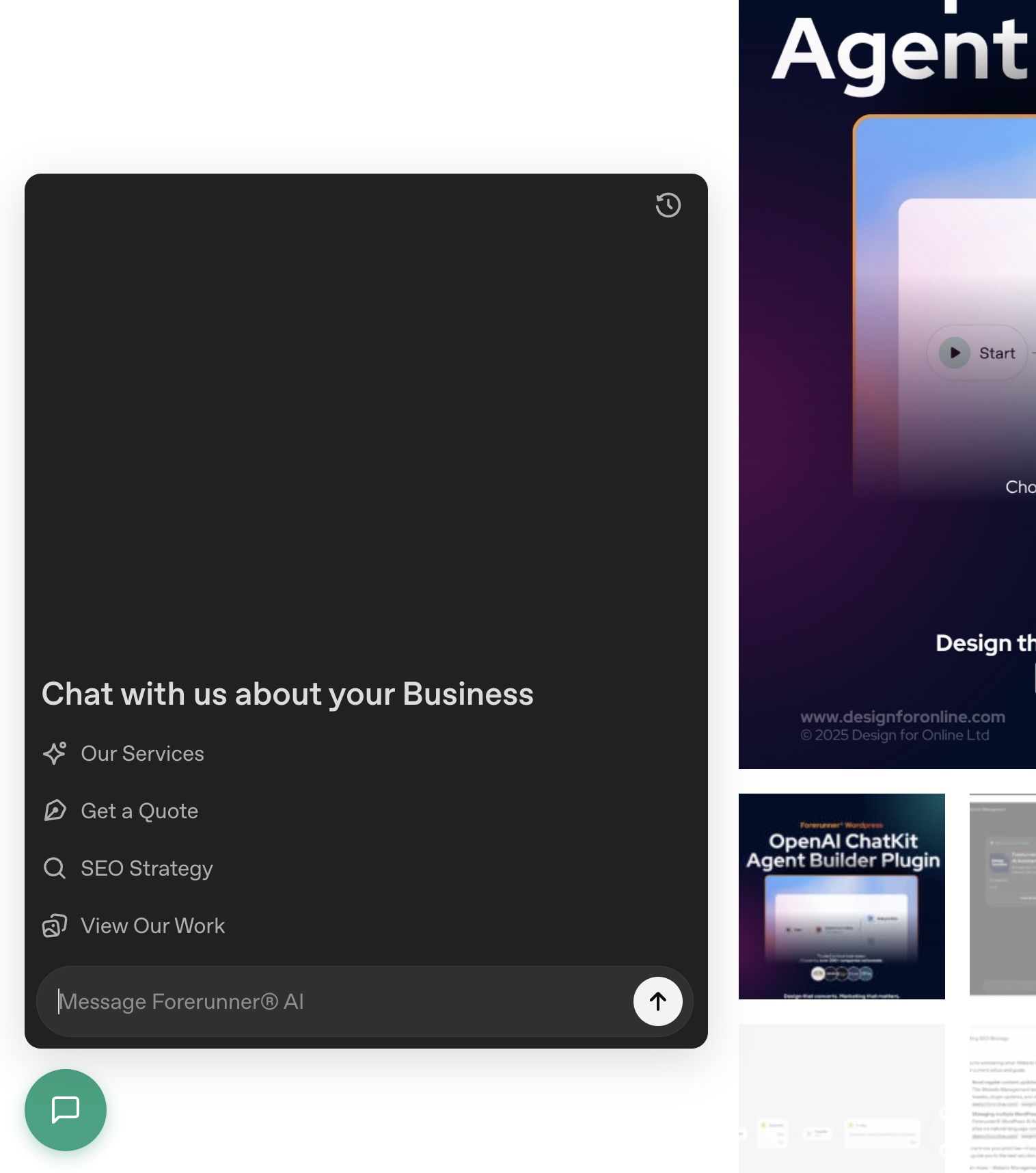
Floating Chat Widget
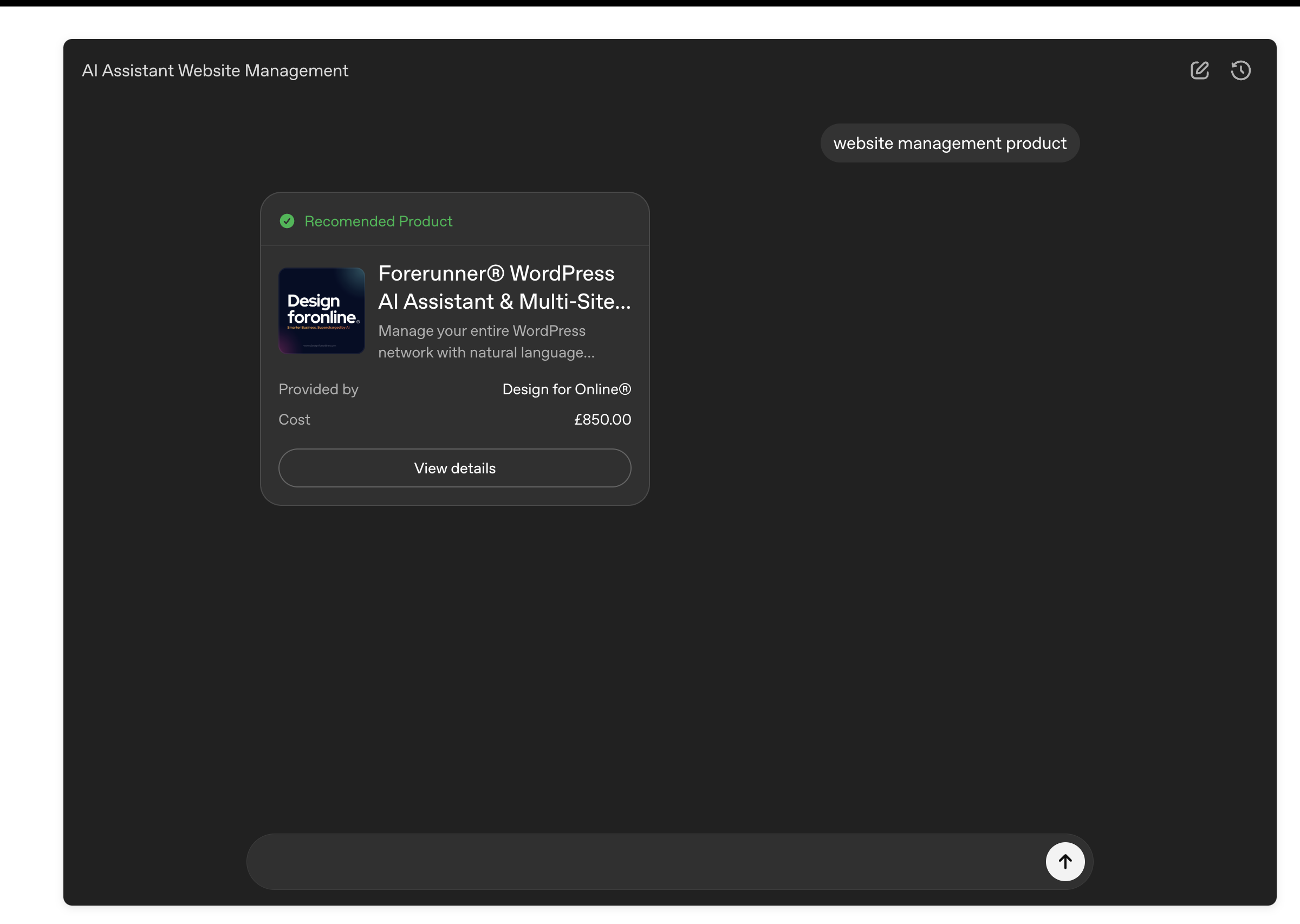
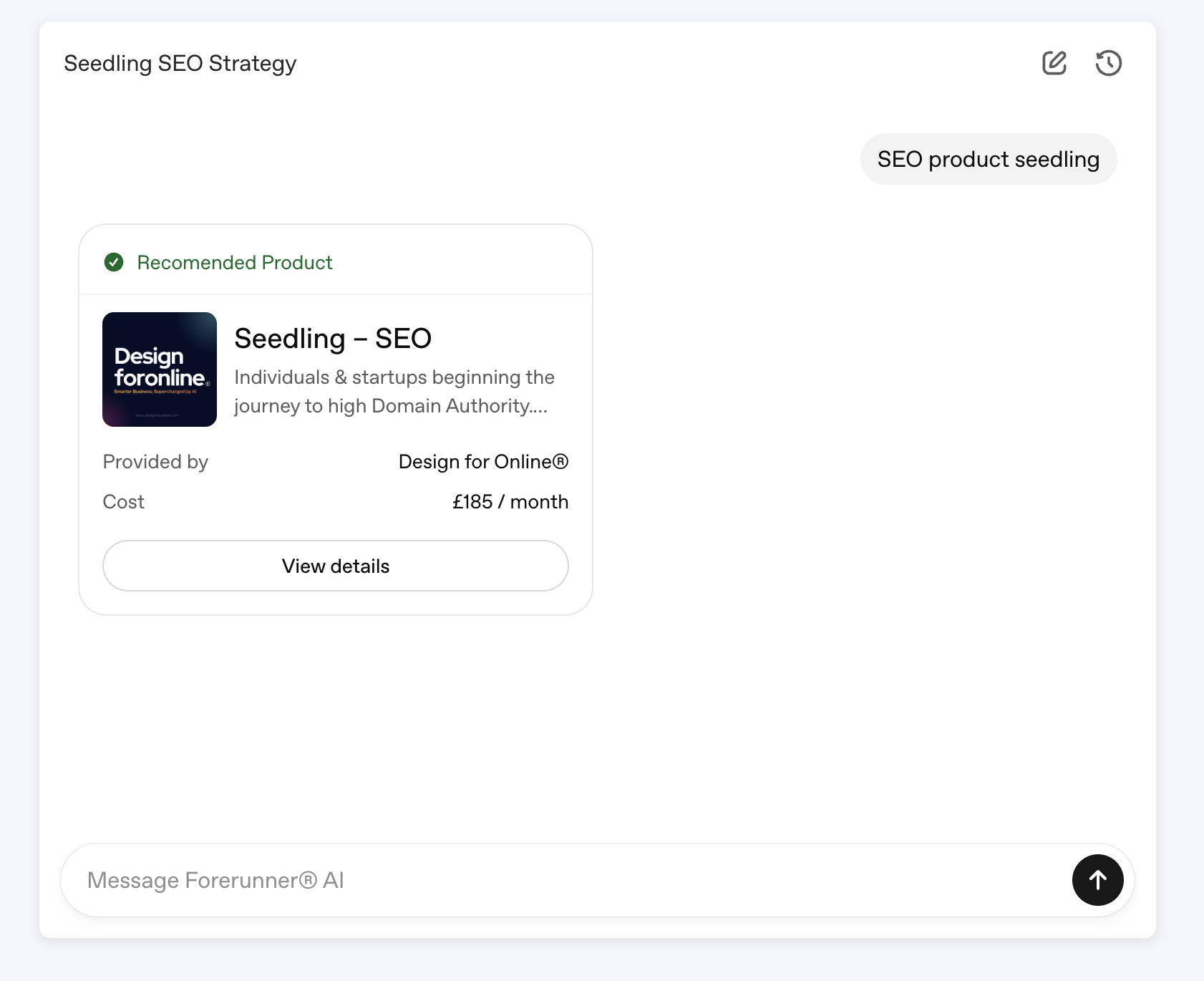
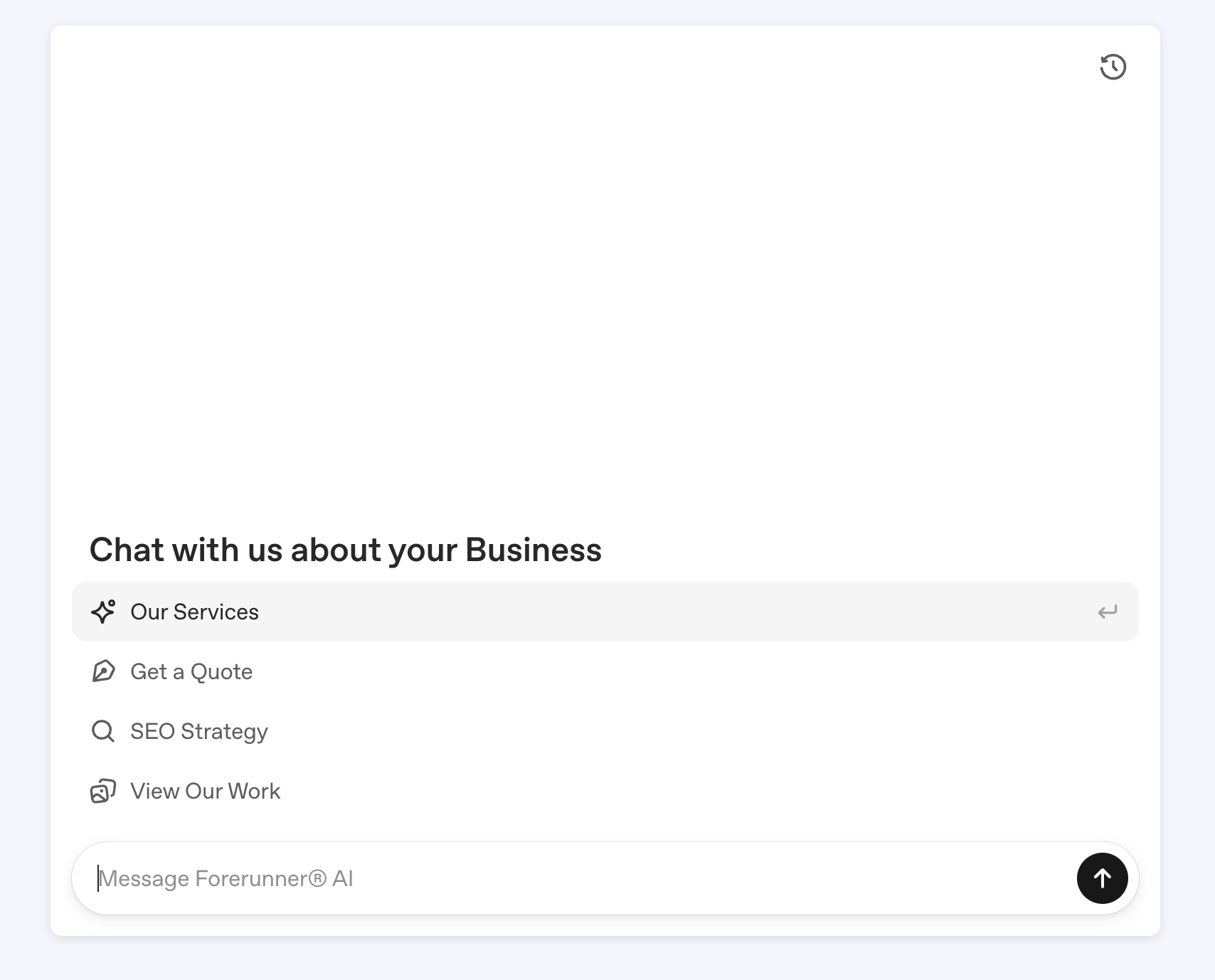
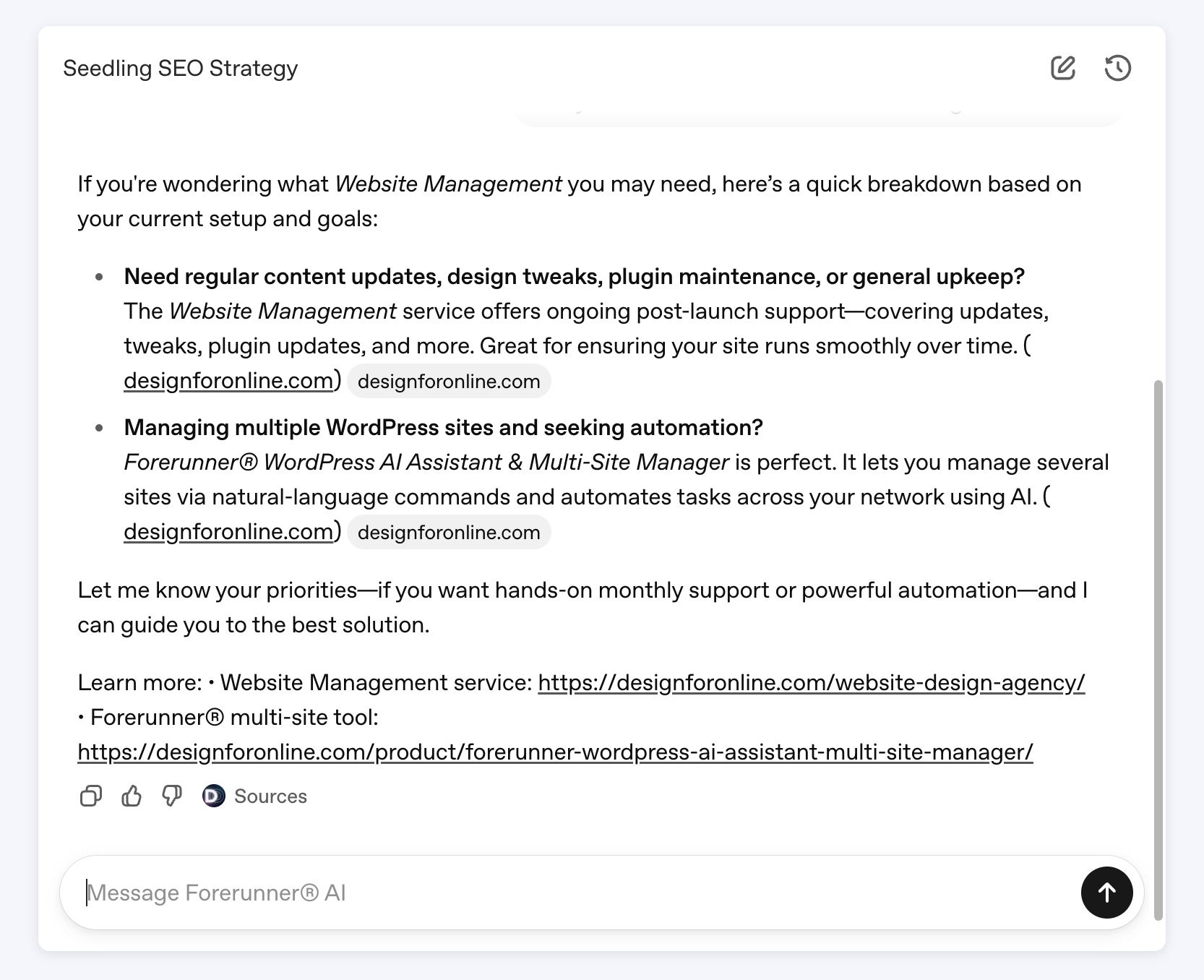
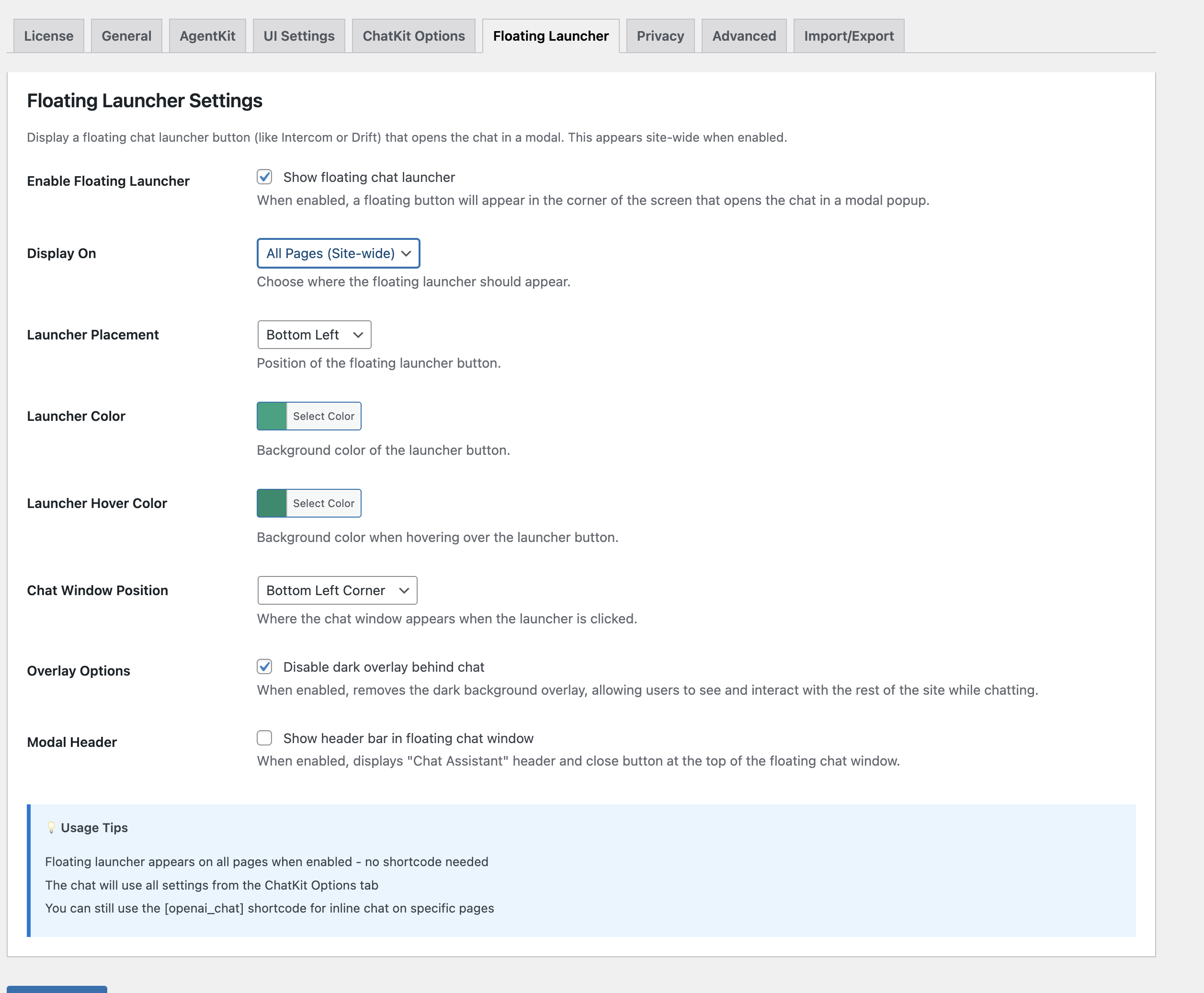
With our Floating chat widget that transforms your website live chat into an AI-powered conversation hub. The customisable chat bubble sits in your chosen corner, matching your brand colors and opening a sleek chat window with one click. Control exactly where it appears site-wide, specific pages with granular page targeting. Fully responsive on mobile, the widget offers center, corner, or above-icon positioning with optional overlays. Visitors can toggle chat open and closed instantly, creating a seamless experience that rivals Intercom or Drift, but powered by your custom OpenAI agent.
See this on the left of this page
Full ChatKit Compatibility
Forerunner® implements the complete ChatKit specification with identical behaviour to OpenAI’s ChatKit Playground. Every appearance and configuration option works the same in WordPress. Choose light, dark, or auto themes, adjust layout density and border radius, and load OpenAI Sans typography for authentic styling.
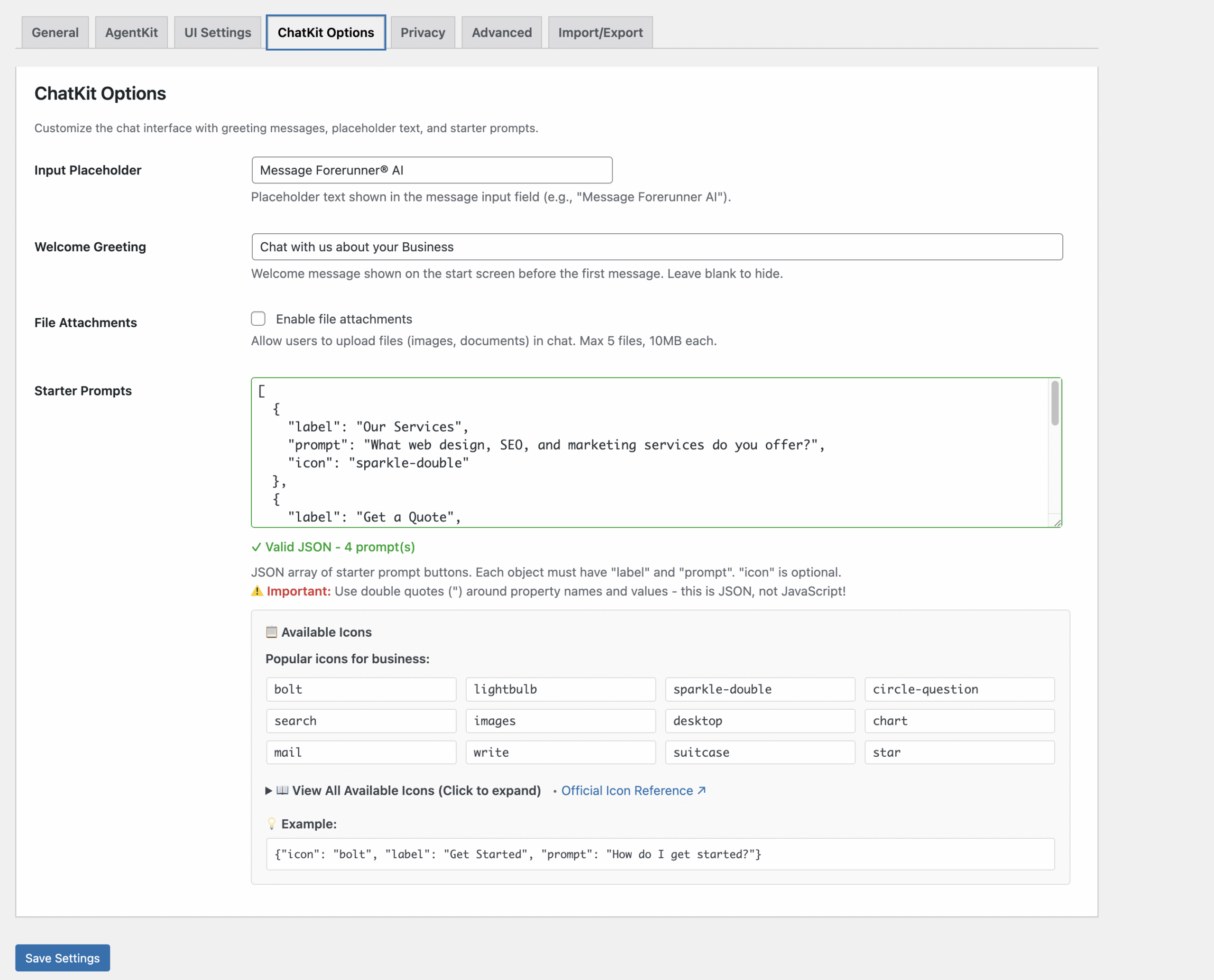
Customise greetings, placeholder text, and starter prompt buttons that guide users toward common questions. Enable file uploads for sharing screenshots or documents. All ChatKit options are available through a straightforward WordPress admin panel—no coding required.
Built for WordPress Sites
Developed using WordPress coding standards, the plugin integrates seamlessly with all major themes and builders including Elementor, Divi, and Gutenberg.
Settings are neatly organised into tabs for quick setup at any skill level.
Full multisite support allows network admins to define defaults while individual sites apply their own overrides.
Includes GDPR-friendly consent and privacy controls for UK and EU compliance.
Flexible Deployment
Display chat interfaces inline within content areas such as landing pages, help centres, or member dashboards.
Inline mode allows full design control using shortcodes or block elements, with per-page overrides for different agents, workflows, or conversation contexts.
Each instance can be independently configured for layout, theme, and behaviour—ideal for sites needing multiple embedded chat experiences.
Proven Business Benefits
Automate responses to common questions, cut support costs, and improve customer satisfaction with 24/7 availability.
Guide visitors to relevant pages, collect leads naturally, and qualify sales conversations before human follow-up.
Businesses using conversational AI typically see lower ticket volumes, faster resolutions, and higher on-page engagement.
Easy Implementation
Install through the standard WordPress plugin process, add your OpenAI credentials and workflow ID, and insert the shortcode on any page.
The plugin manages authentication, sessions, and streaming automatically.
Built-in testing tools and diagnostics help confirm setup before going live—no JavaScript or API experience required.
Security and Performance
API keys remain server-side for protection.
Domain-restricted public keys ensure authorised use only.
All communication occurs over HTTPS with secure headers and sanitised inputs.
The plugin loads assets only where needed, keeping your site fast and lightweight.
Adaptable for Any Use Case
Use Forerunner® to power customer support bots, sales assistants, e-commerce helpers, learning tools, or member services.
Each agent can have unique workflows and personalities defined in OpenAI Agent Builder, deployed across your WordPress ecosystem.
Start simple and expand as your automation needs evolve.
What happens on 30 November 2026
This plugin depends on OpenAI Agent Builder. OpenAI is removing Agent Builder on 30 November 2026, and published workflows stop with it. There is no replacement workflow system this plugin can connect to.
Licence
New licences are closed. If you already have a subscription, it remains active until your renewal date and will not renew. The chat itself stops on 30 November 2026, because that is when OpenAI shuts down Agent Builder.
Setup Instructions
These steps are for an existing subscription only, and only until 30 November 2026:
1. Get API Key: Create an API key at https://platform.openai.com/api-keys
2. Get Workflow ID: Build and publish an agent at https://platform.openai.com/agent-builder
3. Allowlist Domain: Add your WordPress domain at https://platform.openai.com/settings/organization/security/domain-allowlist
You then need your API Key and Workflow ID in the plugin settings via Settings > OpenAI ChatKit. All OpenAI settings are managed from a single location: https://platform.openai.com/settings/organization/general